Comparison: Per-Unit vs Annual Licensing for Diagnostic Software
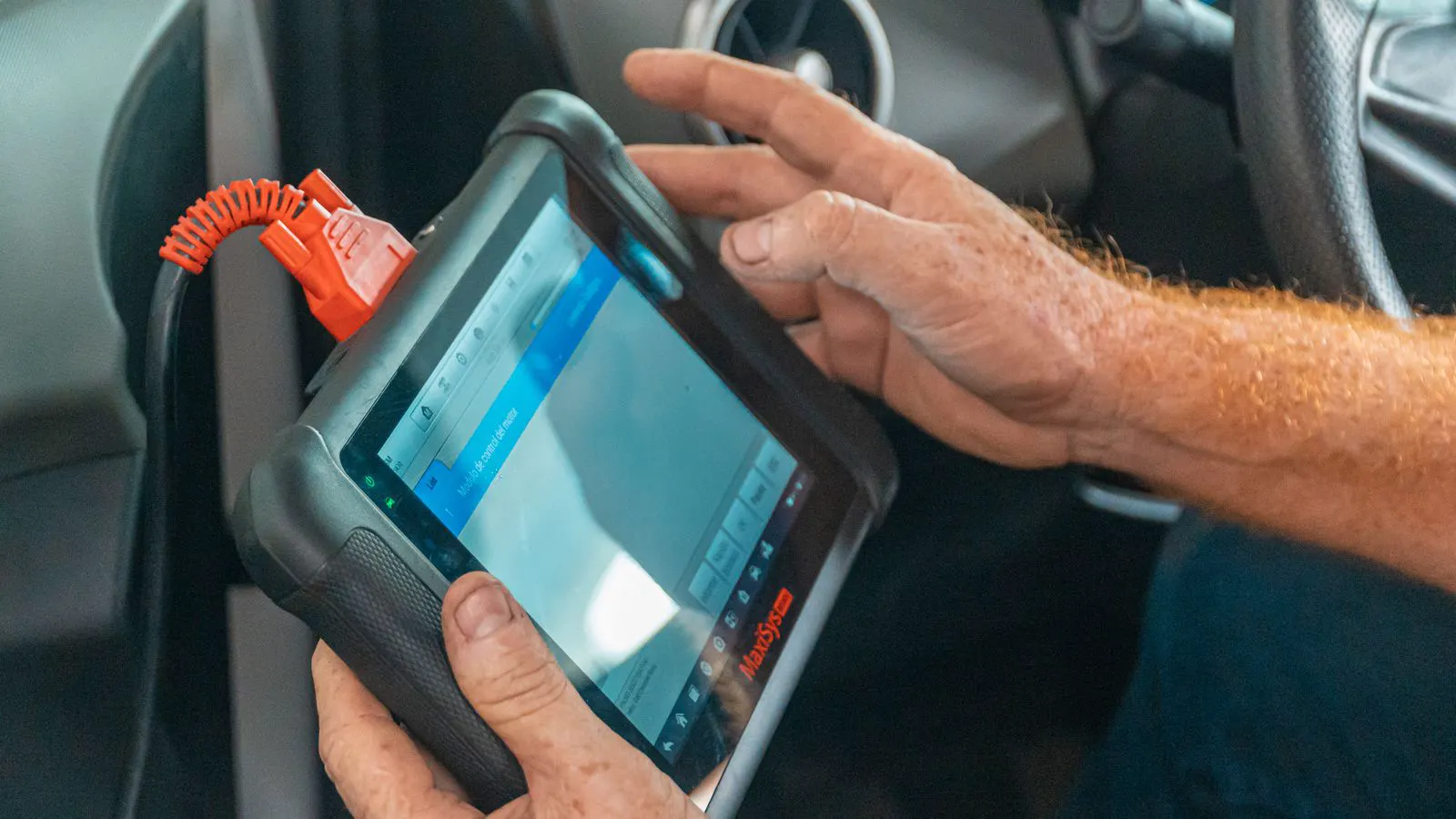
Per-unit licensing offers lower upfront costs but higher long-term recurring expenses for high-volume use. Annual licensing provides stable pricing and bundled support, though it requires larger initial commitments. The best model depends on deployment scale, usage patterns, and budget cycles.
- Per-unit licensing reduces initial capital outlay but increases recurring costs as deployed units grow.
- Annual licensing stabilizes per-unit pricing and bundles maintenance, but ties you to a fixed renewal cycle.
- Total cost of ownership must include integration, training, and support, not just license fees.
- Hybrid models can work when usage is unpredictable or phased across sites.
How per-unit and annual licensing differ in practice
Diagnostic software licensing usually splits into two main purchase paths. Per-unit licensing charges a fee for each workstation or terminal that runs the diagnostic application. Annual licensing charges a flat or tiered fee for a set period, covering all authorized users within a defined scope. The difference matters most when you compare capital budgeting against operating budget cycles.
Per-unit models often require a setup fee per site, followed by a recurring subscription per active node. If you deploy ten workstations today and add five next year, the recurring cost rises proportionally. Annual licensing typically bundles all nodes into one contract, so adding a workstation may not change the base fee unless you cross a defined threshold. The annual model usually includes maintenance, updates, and technical support in the same invoice. Per-unit models may charge separately for major releases or extended support.
In practice, the distinction extends beyond the invoice line. Per-unit agreements often treat each terminal as a separate asset for billing purposes. An information technology department may track these terminals alongside hardware assets, requiring separate asset tags and depreciation schedules. Annual agreements, by contrast, often function as a single service line item in the general ledger. This affects how finance teams allocate costs. If a diagnostic lab wants to charge a specific procedure code to a patient bill, the per-unit model can make it easier to trace which terminal generated which data set. The annual model makes this attribution more difficult because the cost is spread across a fixed period and a defined group of users.
When per-unit licensing makes sense
Per-unit licensing fits organizations with low or variable deployment. A small clinic that uses one diagnostic console for a few months, or a lab that pilots a new algorithm on a single bench, can limit exposure to a short-term commitment. This model also works well when sites operate independently and each has its own budget owner. Each department can sign a short-term agreement without coordinating a central procurement cycle.
Consider a regional network of independent pathology labs that evaluates a new image analysis tool for specific tumor markers. Each lab head may have different funding sources, some from grants and others from operating reserves. A per-unit contract allows each lab to commit only its own funds. If the pilot proves that the tool improves reporting time, the lab can convert to a longer-term agreement. If it does not, the lab exits without negotiating a break clause on a multi-year deal.
The trade-off is long-term cost. If usage grows, the recurring fee scales with every new node. Support contracts may renew annually, which can lead to price increases. Integration work, such as connecting the software to a laboratory information system, often falls on the buyer when licenses are not bundled. Training materials may be per-seat rather than site-wide.
Another practical drawback is the administrative burden of tracking. If you manage twenty per-unit licenses across five sites, you need a spreadsheet to track which license expires when, which site has the support contract, and which terminal is covered by which maintenance window. When a technician moves a workstation from Site A to Site B, the license may need to be reassigned or deactivated and reactivated. Annual licensing avoids this friction because the scope is defined by site or user group, not by individual hardware serial numbers.
When annual licensing makes sense
Annual licensing suits organizations that will run the software across multiple sites or for a defined multi-year period. A hospital group that standardizes on one diagnostic platform for all imaging departments can lock in a predictable per-user or per-site cost. The fixed annual fee simplifies budgeting because the total amount is known for the contract term.
This model also reduces procurement friction. One contract covers maintenance, security patches, and major version upgrades. If the vendor releases a new feature set during the contract year, it is usually included. Support response times are often tied to the contract level rather than the individual seat. The limitation is the commitment. If the organization decides to stop using the software after one year, the remaining contract value is usually lost.
A common scenario for annual licensing is the standardization of a radiology department. A medical center buys a PACS system with built-in AI triage. The department plans to use the triage module on all reading stations for at least three years. The annual contract provides a single point of contact for support. If the AI model is updated to handle a new body part, the update goes out to all stations without additional billing. The department manager does not need to approve a separate fee for each reading station to receive the update.
However, the fixed scope can become a liability if usage patterns change unexpectedly. If a hospital adds a new outpatient clinic and wants to run the diagnostic software there, it must check the contract scope. If the annual fee was based on two sites, adding a third site may trigger a tier increase. Per-unit licensing would have simply required buying two more licenses for the new site, which might be cheaper or more expensive depending on the vendor’s pricing structure. The key is to review the definition of “site” and “user” in the contract before signing.
Total cost of ownership beyond the license fee
License fees are only part of the cost. Software TCO includes integration, training, validation, and support. For diagnostic software, validation under applicable quality requirements can take weeks or months. Per-unit licensing may require separate validation records for each site, while annual licensing may allow a single site-wide validation package. This can reduce engineering time and documentation effort.
Training is another hidden cost. Per-unit models often charge per trainee or require each site to buy its own training package. Annual licensing may include a set number of training days for all authorized users. Support costs also differ. If a vendor offers a 24-hour response only for annual contract holders, per-unit sites may face longer resolution times. For diagnostic workflows, downtime directly affects patient throughput.
Validation is often the largest hidden cost in diagnostic software. If a lab uses a per-unit model for a new ultrasound analysis tool, the quality assurance team may need to validate the software on each terminal. This includes checking that the display calibration is correct, that the data export matches the source file, and that the audit log records every action. If the lab has five terminals, the QA team performs the validation five times. Under an annual model, the QA team may validate the software once at the site level and apply that validation to all terminals. This can save dozens of engineering hours. The time savings may outweigh the higher upfront cost of the annual contract.
Support response times also affect operational risk. A diagnostic workflow cannot wait for a standard email support response. If a critical error appears during a patient scan, the technician needs immediate guidance. Annual contracts often include a service level agreement with defined response times, such as four hours for critical issues. Per-unit contracts may offer standard support with a response time of 24 hours. In a busy emergency department, a 24-hour response time is unacceptable. The organization may need to buy a premium support tier for each per-unit license, which erodes the cost advantage.
Lead time and procurement implications
Lead time for diagnostic software is not always about hardware. It includes software licensing, system configuration, and compliance checks. Per-unit licensing can accelerate initial deployment because you can buy one node and start using it. Annual licensing may require a longer procurement cycle, especially if the contract is multi-year and needs legal review.
For organizations with strict budget approval cycles, annual licensing can cause delays. A contract that spans multiple fiscal years may need board or committee approval. Per-unit licensing can be renewed on a shorter cycle, which may fit departments that operate on quarterly budgets. If the software requires integration with existing hardware, the vendor may need to schedule engineering resources. This can add weeks to the timeline regardless of the licensing model.
Lead time also depends on the internal approval process. A per-unit license for a single workstation may require only departmental sign-off. The department head approves the cost, the IT team installs the software, and the lab starts using it. The whole process can take a few weeks. An annual contract for five sites may require legal review of the terms, information security review of the vendor’s data handling, and financial review of the multi-year commitment. This process can take months.
The integration step adds another variable. If the diagnostic software needs to talk to a laboratory information system or an enterprise resource planning system, the vendor’s integration team must be scheduled. The integration team may have a backlog of projects. If the software is licensed per-unit, you may integrate only one terminal first. This reduces the scope of the integration work. If the software is licensed annually for the whole site, you may integrate all terminals at once. This can be more efficient in the long run but takes longer to complete.
Comparison of the main licensing options
| Option | Best for | Limitations |
|---|---|---|
| Per-unit licensing | Small deployments, pilots, independent sites | Higher recurring costs as volume grows; support may be limited |
| Annual site-wide licensing | Multi-site standardization, stable usage | Larger upfront commitment; price increases at renewal |
| Annual per-user licensing | Mixed site sizes with variable user counts | Costs scale with user count; may require seat management |
| Perpetual license with maintenance | Organizations avoiding recurring software costs | High upfront cost; maintenance fees still recur |
| Hybrid or phased licensing | Deployments with uncertain timing or phased rollout | Complexity in tracking costs and renewal dates |
How to model the cost over a three-year horizon
A three-year model is usually enough to compare these options. Start with the number of nodes or users you expect to run the software each year. Multiply that by the per-unit fee or apply the annual site-wide fee. Add integration, training, and support. Include a buffer for validation and compliance review.
If usage is stable, annual licensing often wins on the third year because the per-unit costs under the per-unit model add up. If usage is low or unpredictable, per-unit licensing may be cheaper. If the organization is expanding rapidly, a hybrid approach can help. Buy per-unit licenses for the first year and negotiate an annual contract for year two, once the usage pattern is clear.
To build the model, create a spreadsheet with columns for each year. In the first column, list the number of active nodes. In the second, list the per-unit fee. In the third, list the annual site-wide fee. In the fourth, list the integration cost. In the fifth, list the training cost. In the sixth, list the support cost. In the seventh, list the validation cost. Sum the rows for each year.
For example, if you have ten nodes and the per-unit fee is 1,000 per node per year, the per-unit cost is 10,000 per year. If the annual site-wide fee is 12,000 per year, the annual cost is 12,000 per year. The per-unit model is cheaper in the first year. In the second year, if you add five nodes, the per-unit cost becomes 15,000. The annual cost remains 12,000. The annual model becomes cheaper. In the third year, if you add another five nodes, the per-unit cost becomes 20,000. The annual model is even cheaper.
However, this example ignores the validation cost. If the per-unit model requires validation per site and you have two sites, you may need to pay for validation twice. If the annual model allows a single validation, you pay once. This can flip the cost comparison. The validation cost may be 5,000 per site. Under the per-unit model, the total validation cost is 10,000. Under the annual model, it is 5,000. This difference can offset the higher annual fee.
Practical next steps for buyers
Before choosing a model, document the expected deployment. List each site, the number of workstations, and the start date. Ask vendors for a line-item quote that separates license fees from maintenance and support. Request the renewal terms and any price increase caps. Check whether training and validation support are included. Compare the total cost for three years, not just the first year.
If the software is part of a regulated diagnostic workflow, confirm that the vendor provides audit trails, version history, and change control documentation. These items can affect validation time and cost. A licensing model that includes these items in the annual fee may reduce internal effort. If the per-unit model requires separate documentation per site, factor that into the TCO.
When asking vendors for quotes, specify the scope of the deployment. Do not just ask for the price per license. Ask how the price changes if you add a site. Ask how the price changes if you add a user. Ask if the price includes updates and patches. Ask if the price includes training. Ask if the price includes validation support. Ask if the price includes a service level agreement. Ask if the price includes a data migration fee. Ask if the price includes a deinstallation fee.
Also, ask about the renewal process. How much notice is required for renewal? Can you downgrade the number of licenses? Can you upgrade? Is there a penalty for early termination? Are there price caps? These details can change the total cost of ownership. A vendor may offer a low initial price but high renewal prices. Another vendor may offer a higher initial price but stable renewal prices. The three-year model helps you see the full picture.
Frequently asked questions
Which licensing model has a lower first-year cost?
Per-unit licensing usually has a lower first-year cost because you only pay for the nodes you deploy initially. Annual licensing may require a larger upfront payment for the full contract term.
Does annual licensing include software updates?
Most annual licensing agreements include maintenance, security patches, and major version upgrades during the contract period. Per-unit models may charge separately for updates or major releases.
Can I switch from per-unit to annual licensing later?
It depends on the vendor contract. Some agreements allow conversion, while others require a new contract. Check the terms before signing.
How does licensing affect validation time?
Per-unit licensing may require separate validation records for each site. Annual licensing often allows a single site-wide validation package, which can reduce engineering time.
What should I do if usage is uncertain?
Start with a per-unit or short-term model to test usage. Once the pattern is clear, negotiate a longer-term annual contract. This reduces the risk of overcommitting. ===END===