Buyer's Guide to Central Monitoring Systems for ICUs
Central monitoring systems require careful evaluation of alarm management, integration capabilities, and patient safety features. This guide outlines practical criteria for selecting clinical monitors that reduce workload and support informed sourcing decisions for intensive care units.
- Central monitoring reduces alarm fatigue by consolidating data and prioritizing critical events across multiple patients.
- Evaluate integration capabilities with existing PACS, EHR, and nursing documentation systems before finalizing vendor selection.
- Prioritize alarm management features and user interface design to support patient safety and reduce response time.
- Confirm power redundancy and network architecture to maintain continuous monitoring during outages.
What central monitoring actually does in an ICU
Central monitoring systems display vital signs for multiple ICU patients on a single workstation or wall-mounted screen. Nurses and physicians can view trends, acknowledge alarms, and respond to critical changes without moving between bedside monitors. This setup changes the workflow. Instead of checking each patient individually, staff can scan the room and identify who needs immediate attention.
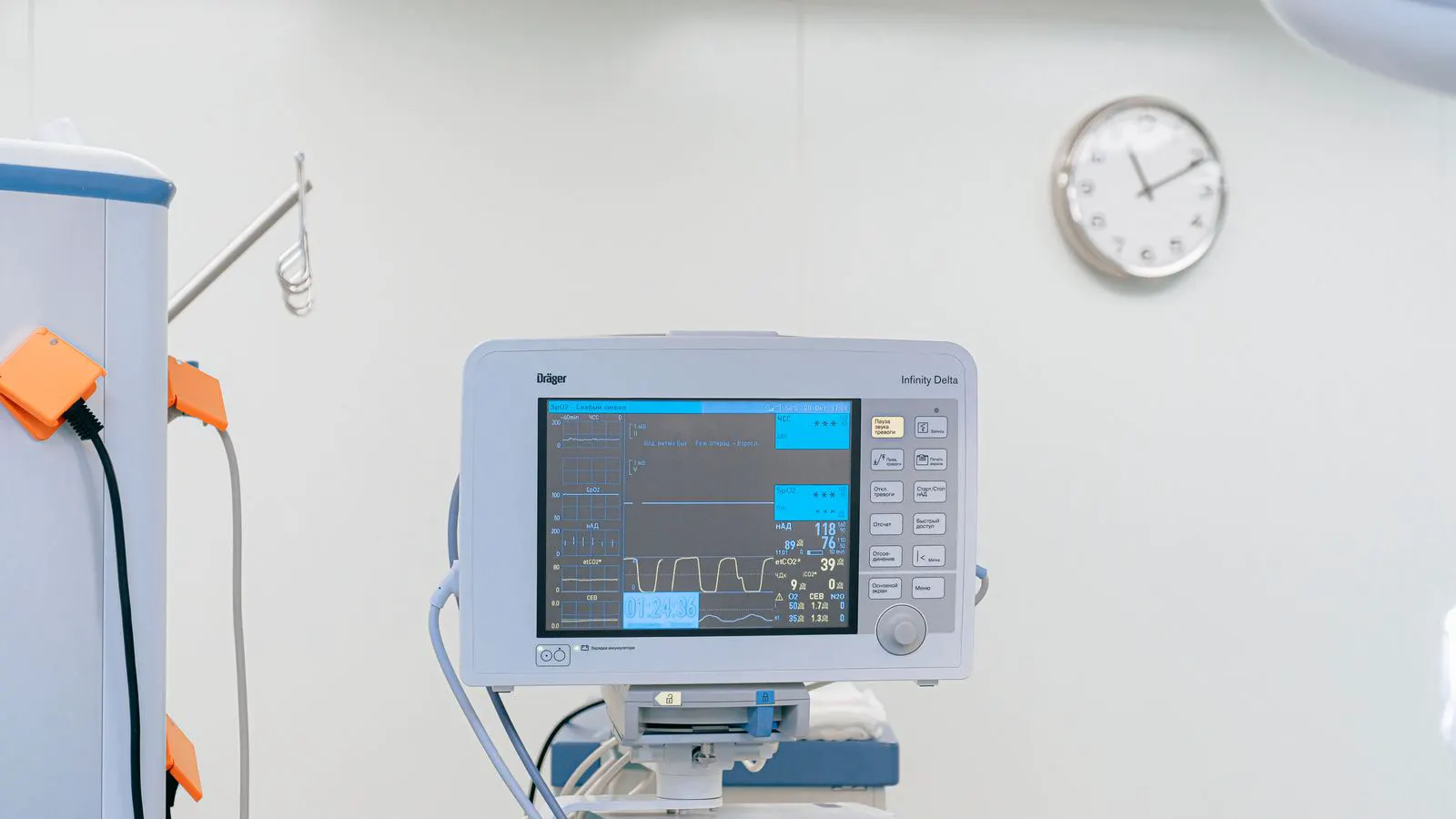
The system typically connects to bedside clinical monitors via wired or wireless links. Data flows from the patient to the monitor, then to the central server or workstation. Common parameters include heart rate, respiratory rate, blood pressure, oxygen saturation, temperature, and end-tidal CO2. Some setups also integrate data from infusion pumps, ventilators, or anesthesia machines.
A well-designed central monitoring system reduces the cognitive load on clinical staff. It presents data clearly, groups similar events, and highlights deviations that require action. Poorly designed systems create noise. They generate too many alarms, hide critical data behind menus, or fail to integrate with existing documentation tools.
When evaluating a central monitoring system, you must look beyond the screen size and number of beds supported. The value lies in how the system processes raw data from sensors and transforms it into actionable information. Consider a patient on a mechanical ventilator. The system receives data from the ventilator’s flow and pressure sensors, the patient’s ECG lead, and the SpO2 probe. If the SpO2 drops below 85 percent, the system should not just flash a red light. It should display the exact time of the event, the trend of the previous ten minutes, and link to the ventilator settings. This context helps the clinician decide whether to adjust the FiO2, suction the airway, or check for a disconnected tube.
The physical layout of the central station also affects usability. A wall-mounted screen at eye level for a nurse standing at the door works well for a quick visual scan. However, a workstation at a desk requires the nurse to sit down to review trends. For high-acuity patients, a combination of both is common. The nurse uses the wall screen for immediate visual cues and the desk workstation for detailed waveform review and documentation.
The connection method between the bedside and central station determines latency and reliability. Wired connections, often using standard clinical device cables or dedicated hospital-grade Ethernet runs, offer the most stable data transfer. Wireless connections, using proprietary RF protocols or hospital Wi-Fi, offer flexibility but introduce potential interference. For critical parameters like arterial pressure, a brief data drop can obscure a hypotensive episode. If you choose wireless, you need to verify the reconnection logic. Does the system buffer data during a drop and sync it when the link returns? Or does it mark the gap as a missing period? The answer affects the integrity of the medical record.
Which parameters should you prioritize?
Start with the parameters your clinical team actually uses for decision-making. In most ICU settings, that means continuous cardiac rhythm, blood pressure, oxygen saturation, respiratory rate, and temperature. End-tidal CO2 matters for ventilated patients, particularly those on mechanical ventilation.
Consider the monitoring level for each patient. A post-surgical patient may need basic telemetry, while a patient with sepsis or hemodynamic instability may require continuous arterial pressure monitoring and frequent waveform review. The system should allow you to assign different parameter sets to different beds or patient profiles.
Do not over-specify. Too many parameters on the central screen reduce readability. The goal is to show what matters, not everything. A clean display with clear trends and appropriate color coding supports faster assessment than a crowded interface with too many numbers.
Parameter selection is not just about clinical need; it is about data quality. Continuous arterial pressure monitoring provides high-fidelity waveforms, but the transducer must be zeroed correctly. If the baseline is off, the central screen will show inaccurate systolic and diastolic values. The system should ideally flag transducer drift or zeroing errors, prompting the bedside nurse to recalibrate. Without this check, the central station becomes a source of false confidence.
Oxygen saturation (SpO2) is often treated as a simple number, but the trend is more informative. A sudden drop from 96 percent to 88 percent is an event. A slow decline from 92 percent to 85 percent over two hours suggests a different pathophysiology. The central system should display both the current value and a rolling trend graph. For patients with poor perfusion, SpO2 readings can be inaccurate. The system should allow the nurse to override or annotate the reading if the probe is misplaced or the limb is cold.
Respiratory rate is often measured from the ECG lead or a respiratory belt. If the patient is on a ventilator, the respiratory rate from the ventilator is more reliable. The central system should integrate both. If the ECG-derived respiratory rate shows 12 breaths per minute, but the ventilator shows 16, the discrepancy needs to be visible. This can indicate a patient fighting the ventilator or a technical fault in the sensor.
Temperature monitoring is often underutilized in central systems. It is typically a single value rather than a continuous trend. However, in sepsis management, the trajectory of temperature is as important as the current reading. If the system supports continuous temperature logging, it can display a graph showing the patient’s fever or hypothermia pattern over the shift. This helps identify if antipyretics are working or if the infection is progressing.
How to evaluate alarm management
Alarm management is the most common source of dissatisfaction with central monitoring systems. Poor alarm design leads to alarm fatigue. Staff develop tolerance to frequent beeps and visual cues, which delays response to true critical events.
Evaluate how the system categorizes and displays alarms. Critical alarms should have distinct visual and auditory cues. They should appear in a dedicated section of the interface, not blend into routine status indicators. The system should support acknowledgment workflows, so nurses can mark alarms as addressed without losing the historical record.
Review the alarm thresholds and escalation logic. Can thresholds be customized per patient? Can the system distinguish between a transient artifact and a sustained change? Does it support delayed acknowledgment for non-critical parameters while keeping critical changes immediately visible?
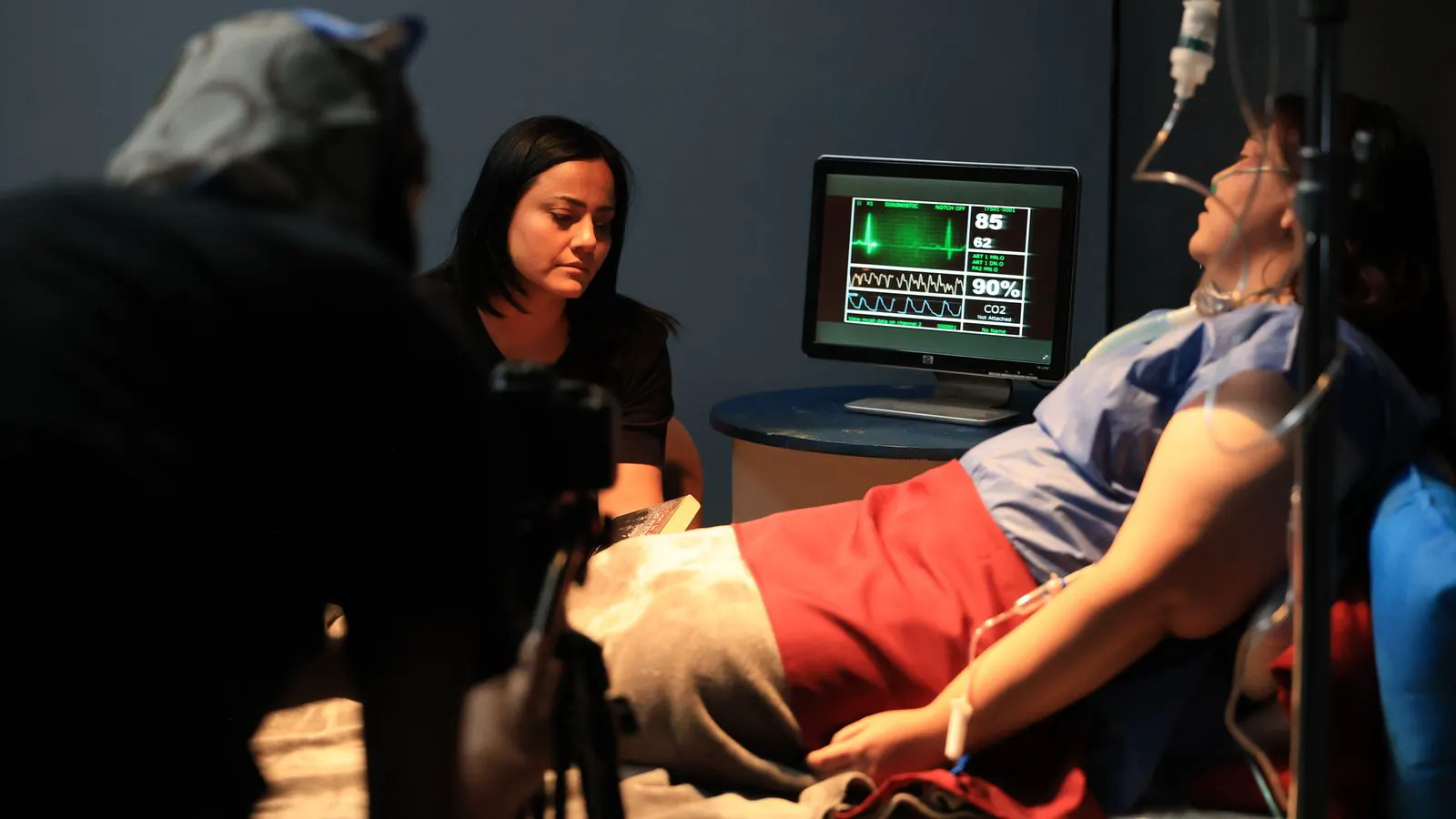
Test the system with your clinical team before purchase. Ask them to set up a simulated scenario with multiple patients and varied alarm conditions. Observe how quickly they can identify the most critical event. If the workflow requires too many clicks or unclear visual cues, the system will struggle in a real ICU.
Alarm hierarchy is the core of effective alarm management. A system that treats a low battery warning the same as a ventricular fibrillation alarm is failing. The interface must visually separate these events. Critical alarms, such as cardiac arrest or severe hypotension, should trigger a full-screen alert with a distinct sound that cannot be muted without physical interaction. Non-critical alarms, such as a disconnected ECG lead or a low battery, should appear in a queue or a corner of the screen. They should not interrupt the nurse’s workflow but must remain visible until acknowledged.
Threshold customization is often a marketing feature that is difficult to implement. Check if thresholds can be set per patient profile or per bed. For example, a pediatric patient may have a normal heart rate range that differs significantly from an adult. If the system uses fixed global thresholds, it will generate excessive false alarms for children or elderly patients. The ability to define individualized limits, such as a systolic blood pressure lower bound of 90 mmHg for one patient and 100 mmHg for another, is a key indicator of system sophistication.
Artifact rejection is another critical factor. Motion from a patient shifting in bed can cause a sudden drop in SpO2 or a spike in heart rate. A robust system uses signal processing algorithms to distinguish real physiological changes from noise. It should either suppress the alarm or flag it as an artifact. If the system cannot do this, the nurse will be forced to manually dismiss false alarms, consuming time and increasing fatigue.
The acknowledgment workflow must be audit-ready. When a nurse acknowledges an alarm, the system should record the timestamp, the user ID, and the action taken. This data is essential for root cause analysis if a patient deteriorates. If the system requires multiple clicks to acknowledge, nurses may delay the action. A single keystroke or a clear button press is more practical. The historical log should be searchable, allowing administrators to review alarm patterns and adjust thresholds accordingly.
Integration with existing hospital systems
A central monitoring system that operates in isolation creates documentation gaps. Data captured at the bedside or on the central screen should flow into the electronic health record or nursing documentation system. This reduces duplicate entry and supports audit trails.
Check compatibility with your PACS, EHR, and any existing device integration platform. Ask about data standards and interoperability. The system should support common medical device communication protocols and allow structured data exchange. If the hospital already uses a vendor ecosystem for other devices, consider whether the monitoring solution integrates cleanly with that stack.
Also evaluate the interface for clinical staff. If the monitoring system requires a separate login or separate workflow from the EHR, nurses may struggle to keep up. A unified interface or single sign-on reduces friction. The goal is to make data entry and review as effortless as possible.
For wireless setups, confirm that the system maintains connectivity when moving between rooms. Interference from metal furniture, other medical devices, or Wi-Fi congestion can cause data gaps. Ask about failover mechanisms and how the system behaves when the link drops.
Integration is often the most complex part of the deployment. It is not enough for the system to “talk” to the EHR. The data must be in the right format and in the right place. When a nurse documents a vital sign in the EHR, does the central monitoring system update in real-time? Or does it create a duplicate record? Duplicate records create confusion. If the EHR shows a blood pressure of 120/80, but the central screen shows 118/78, the nurse must decide which is correct. Ideally, the central monitoring system should be the source of truth for real-time data, and the EHR should reflect that data automatically.
Single sign-on is a practical requirement, not a luxury. If a nurse has to log into three different systems to view a patient’s data, the workflow breaks. The central station should use the same authentication as the hospital’s active directory or EHR. This ensures that access controls are consistent and that audit logs are linked to the correct user.
Consider the impact on the nurse’s physical workflow. If the central station is in a different location than the patient’s bedside, the nurse must walk to the station to acknowledge an alarm. If the alarm is on a bedside tablet, the nurse can acknowledge it immediately. The best systems support both. The central station provides the overview, but bedside touchscreens handle immediate task completion. This hybrid approach reduces unnecessary movement and keeps the nurse at the patient’s side.
Data standards are critical for long-term sustainability. The system should use open standards like HL7 FHIR or DICOM for data exchange. If the vendor uses a proprietary API, the hospital becomes dependent on that vendor for any future integration. Open standards allow the hospital to switch vendors or add new devices without rewriting the entire infrastructure. Ask for a data dictionary. It should detail exactly what fields are transmitted, how often, and in what format. This prevents surprises during go-live.
Power and network architecture
Central monitoring depends on continuous power and stable network access. A power outage or network failure can interrupt data flow and alarm delivery.
Evaluate the power architecture. Does the system include backup power for the central server or workstation? What happens to bedside monitors during a power loss? Many setups include battery backup on the bedside units, but the central server may not. Confirm what level of redundancy the hospital requires.
For network architecture, determine whether the system uses a dedicated LAN, the general hospital network, or a combination. Dedicated networks reduce interference and support reliable data transfer, but they require additional infrastructure. General hospital networks are easier to deploy but may introduce latency or congestion.
Ask about cybersecurity measures. Central monitoring systems collect sensitive patient data and connect to hospital networks. The vendor should provide encryption for data in transit and at rest, access controls, and regular security updates. Review the vendor’s approach to patching and vulnerability management.
Power redundancy extends beyond the server. The central workstation itself needs backup power. A workstation running out of power during a shift creates a blind spot. UPS units (Uninterruptible Power Supplies) are standard, but they should be sized to support the workstation for at least 30 to 60 minutes. This gives IT staff time to restore power or activate a failover workstation.
Bedside monitors have their own power constraints. If a bedside monitor loses power and the battery dies, the patient is unmonitored. The system should alert the central station if a bedside unit goes offline. This alert is critical. It tells the nurse that a patient is no longer connected, regardless of the reason. Whether it is a power failure, a network drop, or a pulled plug, the central screen must show a clear “Offline” status. Without this, a nurse might assume the patient is stable because there are no alarms, when in reality, there is no data.
Network segmentation is a key consideration. Central monitoring data is sensitive and requires low latency. Placing it on the general hospital Wi-Fi, which is used for guest internet and administrative traffic, can introduce delays. A dedicated VLAN or a separate wired network for clinical devices ensures that monitoring data gets priority. This is especially important for wireless telemetry. If the Wi-Fi is congested, data packets can be dropped. The system must have a mechanism to detect and report these drops.
Cybersecurity is non-negotiable. Central monitoring systems are high-value targets for cyberattacks. They connect to patient data and critical infrastructure. The vendor must support encryption in transit (TLS) and at rest (AES). Access controls should be role-based. A nurse should only see patients on their unit. An administrator should have broader access. Regular security patches are essential. The vendor should have a clear patch cycle and a process for testing updates in a staging environment before deploying them to production. Ask about the vendor’s vulnerability management program. Do they conduct regular penetration testing? Do they disclose vulnerabilities to the hospital?
Criteria table for central monitoring evaluation
| Criterion | What to look for | Why it matters |
|---|---|---|
| Alarm management | Distinct critical and non-critical alerts, customizable thresholds, acknowledgment workflow | Reduces alarm fatigue and supports faster response to patient changes |
| Parameter display | Clear trends, color coding, customizable layouts per patient profile | Improves readability and reduces cognitive load for clinical staff |
| Integration | EHR and PACS connectivity, single sign-on, structured data exchange | Eliminates duplicate documentation and supports audit trails |
| Power redundancy | Backup power for central server, bedside battery backup | Maintains monitoring during outages and prevents data gaps |
| Network reliability | Dedicated or segregated network, failover mechanisms, encryption | Ensures continuous data flow and protects patient information |
| User interface | Intuitive navigation, minimal clicks, consistent layout | Supports quick assessment and reduces workflow friction |
Decision checklist
- Confirm the clinical parameters your team requires and match them to the system’s capabilities.
- Test the alarm management features with your nurses and physicians before purchase.
- Verify integration with your EHR, PACS, and any existing device platforms.
- Review power redundancy and network architecture for your facility’s infrastructure.
- Evaluate cybersecurity measures and the vendor’s patching process.
- Check the user interface for ease of use and consistency with existing workflows.
- Confirm training and support options from the vendor.
Frequently asked questions
What is the difference between central monitoring and bedside monitors?
Bedside monitors display data for a single patient at the bed. Central monitoring consolidates data from multiple bedside monitors onto a shared screen, allowing staff to oversee the entire room at once.
How does central monitoring affect alarm fatigue?
It can reduce alarm fatigue when the system categorizes alerts effectively and supports acknowledgment workflows. Poorly designed systems increase fatigue by generating too many unstructured alerts.
What happens if the network connection drops?
The bedside monitor continues to display data locally. The central screen may lose real-time updates until connectivity is restored. The system should indicate the loss of link and resume data flow when the connection returns.
Can central monitoring be used in non-ICU settings?
Yes, central monitoring is often used in step-down units, cardiac care, and post-anesthesia care. The parameter set and alarm thresholds may differ from ICU settings, but the core concept remains the same.
How should we involve clinical staff in the selection process?
Include nurses and physicians in the evaluation. Have them test the interface, set alarm thresholds, and simulate response scenarios. Their input reveals workflow issues that technical specifications alone do not address.